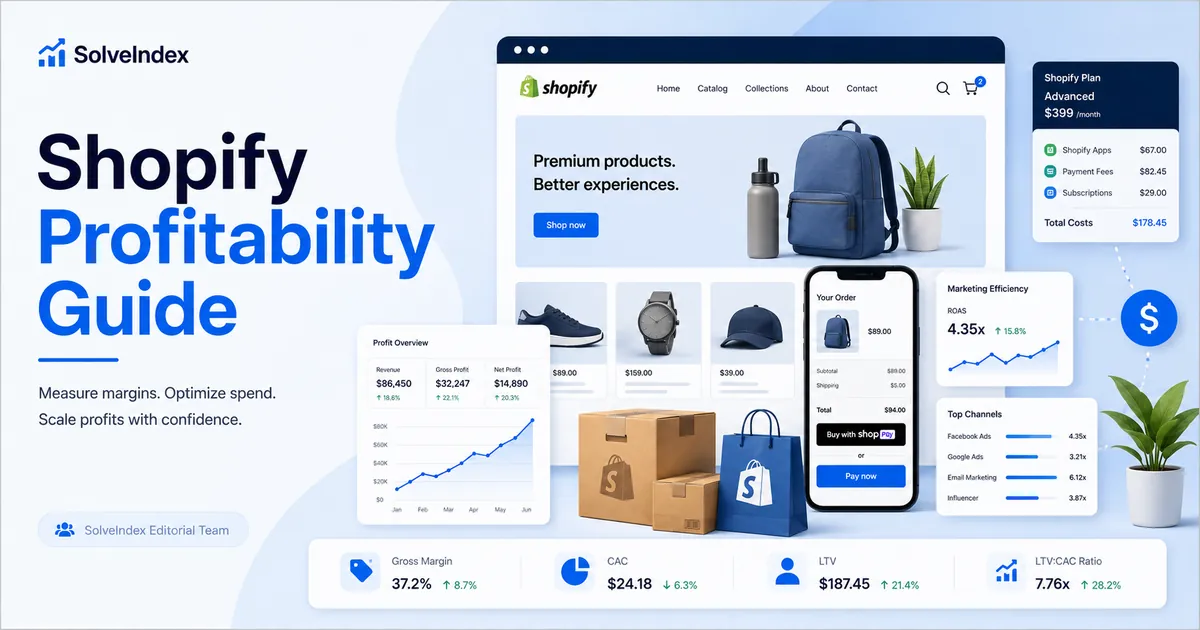
This guide explains the calculator's actual inputs and formulas and separates store profit from revenue-only advertising metrics.
Shopify Profitability: Quick Answer
A Shopify store is profitable when net sales exceed every cost required to create, acquire, process and fulfill those sales. A practical monthly calculation starts with net sales after discounts and refunds, subtracts cost of goods sold to find gross profit, and then subtracts advertising, the Shopify subscription, app charges, payment fees, shipping, fulfillment, returns and other operating costs.
The result should be reviewed through several metrics. Gross margin shows product economics. Net profit margin shows how much of each sales dollar remains after the costs included. Store ROI compares estimated net profit with the total costs entered. ROAS only compares revenue with advertising spend and should not be treated as proof of profit.
What the Shopify Profit Calculator Measures
The Shopify Profit Margin Calculator uses seven inputs: net sales revenue, COGS, advertising spend, Shopify plan cost, app charges, an effective payment-processing percentage and shipping, fulfillment, returns or other variable costs. It returns estimated payment fees, total entered costs, gross profit, net profit, store ROI, net profit margin, revenue ROAS and a gross-margin break-even ROAS reference.
It is a planning model, not a complete profit-and-loss statement. Payroll, contractors, rent, taxes, duties, chargebacks, fraud, financing, non-Shopify software, inventory write-offs, fixed card fees and other overhead are not automatically calculated. Add material omitted costs to a consistent category or reconcile the estimate with accounting records.
Shopify Profit, Margin, ROI and ROAS Formulas
These formulas are only useful when every value covers the same time period and costs are not counted twice. Monthly sales should be compared with monthly or properly allocated costs. Annual app subscriptions and one-time expenses should be assigned consistently before they are entered.
How to Calculate Shopify Profit Step by Step
- Choose a reporting period, such as one calendar month.
- Start with net sales after discounts, cancellations and refunds where available.
- Enter COGS for the units actually sold during that period.
- Add advertising spend that matches the revenue period.
- Add the Shopify plan and all app charges allocated to the period.
- Estimate payment costs using an actual blended percentage from payout reports.
- Add shipping subsidies, fulfillment, returns and other variable order costs.
- Review omitted overhead separately before treating the output as final profit.
Save the source of each number. A defensible calculation should show whether revenue came from Shopify analytics, whether COGS came from recorded variant costs, and whether payment fees came from actual payouts or a forecast.
Worked Shopify Profitability Example
Assume a home-goods store records $32,000 in monthly net sales, $11,000 of COGS, $6,000 of advertising, a $105 plan, $180 of apps, a 2.7% effective payment rate and $1,400 of shipping, fulfillment and returns. Percentage-based payment fees are estimated at $864.
| Item | Amount | Calculation |
|---|---|---|
| Gross profit | $21,000 | $32,000 - $11,000 |
| Total entered costs | $19,549 | COGS + ads + plan + apps + payment fees + shipping/returns |
| Estimated net profit | $12,451 | $32,000 - $19,549 |
| Net profit margin | 38.9% | $12,451 / $32,000 |
| Store ROI | 63.7% | $12,451 / $19,549 |
| Revenue ROAS | 5.33x | $32,000 / $6,000 |
This result is intentionally labelled an estimate. If the store also had payroll, tax-calculation charges, fixed card fees, currency conversion, warehousing or non-Shopify software, actual net profit would be lower unless those costs were included.
Use Net Sales Instead of Inflated Gross Sales
Gross sales can include amounts that the merchant does not keep. Discounts, refunds, cancellations and returns reduce retained revenue. Taxes and shipping collected from customers can also create matching obligations, so including them as revenue without the corresponding expense can overstate margin.
Use one revenue definition throughout the analysis. If Shopify's net sales figure excludes shipping revenue but shipping costs are included, document that choice. If total store revenue is entered, ensure product costs and operating expenses cover the same orders and markets.
COGS, Gross Profit and Gross Margin
COGS should represent the direct cost of the products sold, not every inventory purchase made during the month. Depending on the accounting method, it can include supplier or manufacturing cost, components, product packaging and inbound freight allocated to inventory. Unsold stock remains inventory rather than becoming current-period COGS.
Shopify profit reports only calculate product profit when cost per item was recorded for the product or variant at the time of sale. Missing or stale cost data can make gross profit reports incomplete. Update product costs whenever supplier pricing, freight, materials or packaging change.
Gross margin is important because it determines how much revenue remains to pay for advertising and operations. A store with a high ROAS can still lose money when gross margin is too low.
Complete Shopify Store Costs to Include
Searches for Shopify costs often focus only on the subscription. A complete profitability calculation can include:
- Shopify plan subscription and any POS Pro locations.
- Recurring, usage-based, externally billed and one-time app charges.
- Shopify Payments processing fees and fixed per-order charges.
- Third-party gateway processing and Shopify transaction fees where applicable.
- Shipping labels, packaging, pick-and-pack, storage and fulfillment.
- Returns, exchanges, reshipments, chargebacks and fraud losses.
- Currency conversion, international card premiums, duties and tax-service fees.
- Advertising, affiliates, influencers and other customer acquisition costs.
- Payroll, contractors, rent, support, accounting and non-Shopify software.
Some Shopify charges appear on Shopify invoices, while externally billed apps and service providers may not. Reconcile Shopify billing with bank, card and accounting records instead of assuming one invoice contains every store cost.
How Much Does Shopify Cost?
Shopify cost depends on plan, billing cycle, country, currency, taxes, payment setup, apps and usage. Public U.S. pricing reviewed on July 26, 2026 lists monthly prices of $39 for Basic, $105 for Grow and $399 for Advanced, with lower monthly equivalents for annual billing. Shopify Plus begins at a higher contracted price. These figures should not be copied into UK, Canada or Australia forecasts without checking the local pricing page.
| Plan | Monthly Billing | Annual Billing - Monthly Equivalent | Online Standard Card Rate From | Third-Party Transaction Fee |
|---|---|---|---|---|
| Basic | $39 | $29 | 2.9% + 30¢ | 2% |
| Grow | $105 | $79 | 2.7% + 30¢ | 1% |
| Advanced | $399 | $299 | 2.5% + 30¢ | 0.6% |
| Plus | From $2,300 | Contact Shopify | Most competitive rates | 0.2% |
Enter the amount from the actual invoice. Promotions, annual billing, regional pricing, taxes and contract terms can change the effective monthly cost.
Shopify Fees, Payment Processing and Transaction Charges
Shopify Payments processing fees
When Shopify Payments is used, the store pays the applicable card-processing rate. Rates vary by plan, card type, transaction type and market. The calculator estimates only a percentage of revenue and does not separately model fixed charges or different rates by payment method.
Third-party transaction fees
Shopify can charge a separate transaction fee when an external payment provider is used. The provider can also charge its own processing fee, so both layers may apply. Shopify states that eligible orders processed through Shopify Payments generally avoid third-party transaction fees, while specific payment situations and store-credit rules can differ.
Refunds, currency conversion and international fees
Processing and transaction fees are not always returned after a refund. International cards and sales in local currencies can create additional costs. Use payout and billing reports to calculate an effective rate instead of relying on a headline percentage.
Shopify App Costs and App ROI
App charges can be recurring subscriptions, usage-based charges or one-time purchases. Their billing cycles can differ from the Shopify plan cycle, and some third-party apps charge merchants directly outside Shopify. Include both Shopify-billed and externally billed apps.
Review each app by purpose, cost, usage and measurable benefit. Benefits can include incremental contribution profit, reduced labor, fewer returns, improved conversion or replacement of another service. Avoid attributing the same sale to several apps. Remove inactive or duplicate apps and check whether the current Shopify plan already provides the feature.
Shipping, Fulfillment, Returns and Refunds
Shopify shipping costs can include labels, carrier adjustments, packaging, insurance, warehouse storage, pick-and-pack, handling and customer shipping subsidies. Use the net cost after shipping revenue collected from customers when that is consistent with the revenue figure.
Returns add reverse shipping, inspection, restocking, refurbishment, disposal, support and reshipment costs. Returned inventory can lose value. Model the full economic cost rather than only subtracting the refunded sale.
Advertising, ROAS and Break-Even ROAS
Revenue ROAS divides advertising-attributed revenue by ad spend. The calculator divides total entered revenue by ad spend, so merchants should use attributed revenue for campaign-specific analysis. Organic, email, direct and returning-customer sales should not automatically be credited to paid advertising.
Gross-margin break-even ROAS equals one divided by gross margin as a decimal. It is a useful starting point, but a more realistic target uses contribution margin after variable payment, fulfillment, shipping, return and other order costs.
How to Interpret Shopify Profit Margin and ROI
A positive net profit margin means the costs included were lower than net sales. A negative margin means entered costs exceeded revenue. Store ROI expresses estimated profit relative to entered costs; it does not adjust for time, risk or working capital.
There is no universal good Shopify profit margin. A useful margin must fund payroll, taxes, inventory, refunds, growth and risk. Compare results with prior periods and product-level economics using consistent definitions. Investigate unusually high results for missing costs and unusually low results by product, market, campaign and customer type.
When a Shopify Plan Upgrade Pays for Itself
A higher plan can reduce some rates or replace apps, but the upgrade should be tested rather than chosen from a universal revenue threshold.
Use only eligible processed revenue when calculating fee savings. Also consider staff accounts, reporting, international features, checkout customization, shipping tools and implementation effort.
Is Shopify Profitable?
Shopify can support profitable businesses, but opening a store does not create profit by itself. Profitability depends on product differentiation, price, gross margin, conversion rate, customer acquisition cost, repeat purchases, fulfillment, returns, competition and working capital.
The question should be tested with store-specific numbers. A low-cost product with expensive advertising and high returns can lose money despite strong sales. A smaller store with healthy contribution margin and repeat customers can be profitable at lower revenue.
How to Improve Shopify Profitability
- Update product cost data and stop scaling low-margin SKUs blindly.
- Improve pricing, bundles and average order value without creating excessive discount cost.
- Improve conversion before buying more traffic.
- Measure acquisition against contribution profit, not revenue alone.
- Reduce avoidable shipping leakage, packaging cost and return reasons.
- Audit apps, plan features and payment providers for duplicated costs.
- Increase repeat-purchase contribution through retention programs that remain profitable after discounts.
- Run conservative, expected and higher-performance scenarios before increasing inventory or ad spend.
Common Shopify Profit Calculation Mistakes
- Using gross sales before discounts and refunds.
- Treating all inventory purchases as current-period COGS.
- Leaving product cost blank in Shopify reports.
- Ignoring fixed card fees, third-party transaction fees or currency conversion.
- Forgetting externally billed apps and non-Shopify software.
- Calling ROAS profit.
- Using total-store revenue with one advertising channel's spend.
- Mixing annual, monthly and one-time costs without allocation.
- Ignoring shipping subsidies, returns, chargebacks and payroll.
- Assuming accounting profit and cash flow are the same.
Shopify Profitability FAQs
Sources and Methodology
This guide uses the calculator's actual formulas. Shopify plan, billing, app, payment and profit-report details were checked against current official Shopify pages:
- Shopify Pricing
- Shopify Payments fees
- Third-party transaction fees
- App charges on Shopify bills
- Shopify profit reports
Prices and fees can change and differ by country, payment method and contract. Use current regional pricing, billing and payout records. This guide is educational and is not accounting, tax, legal or financial advice.